NODVERA
Quotevra app icon

Quotevra

Offline PDF quote and invoice maker for tradespeople

Price a job while you are still on site and send a polished PDF estimate straight from your phone. Quotevra calculates line items, discounts, and sales tax for you, then turns approved quotes into invoices with a single tap so you can follow every payment. It is free to download and runs completely offline without requiring an account.

Screenshots

Features

Fast entry built for job sites

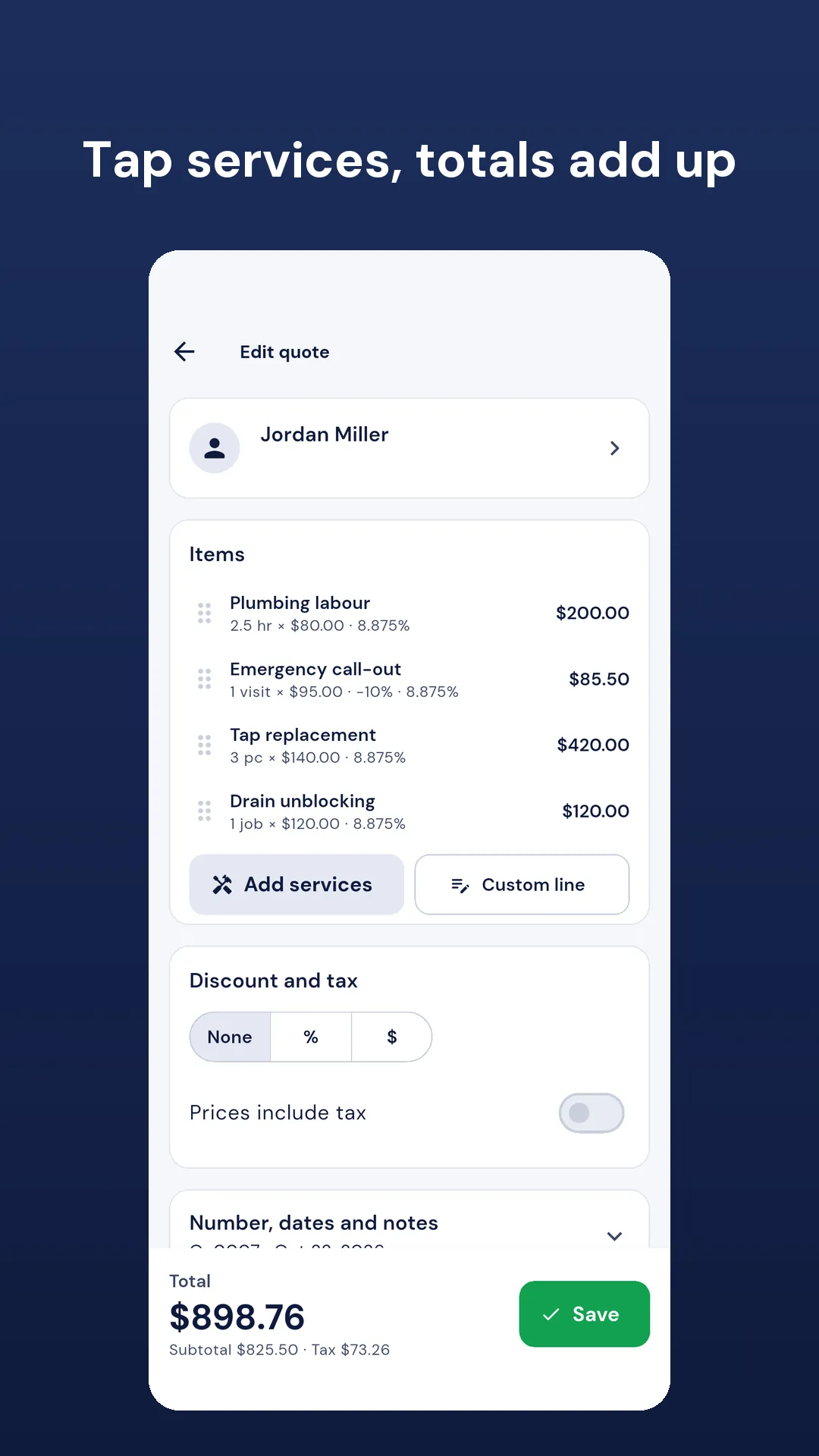
Large total readouts, a dedicated numeric keypad, and a one-tap service list let you put together your first estimate in around a minute. Starter service lists for plumbers, electricians, painters, cleaners, gardeners, and handymen help you get going right away.


Structured PDF quotes and invoices

Your business details appear on every page, and multi-page documents paginate cleanly without awkward breaks. Estimates include a client acceptance section, and you can preview each PDF before sending it by text, WhatsApp, or email.

Discounts and multi-rate tax handling

Apply discounts either per line item or across the full total, and enter prices as tax-inclusive or tax-exclusive. Documents also handle several sales tax rates on the same quote or invoice with clear itemization.

Estimate status and payment tracking

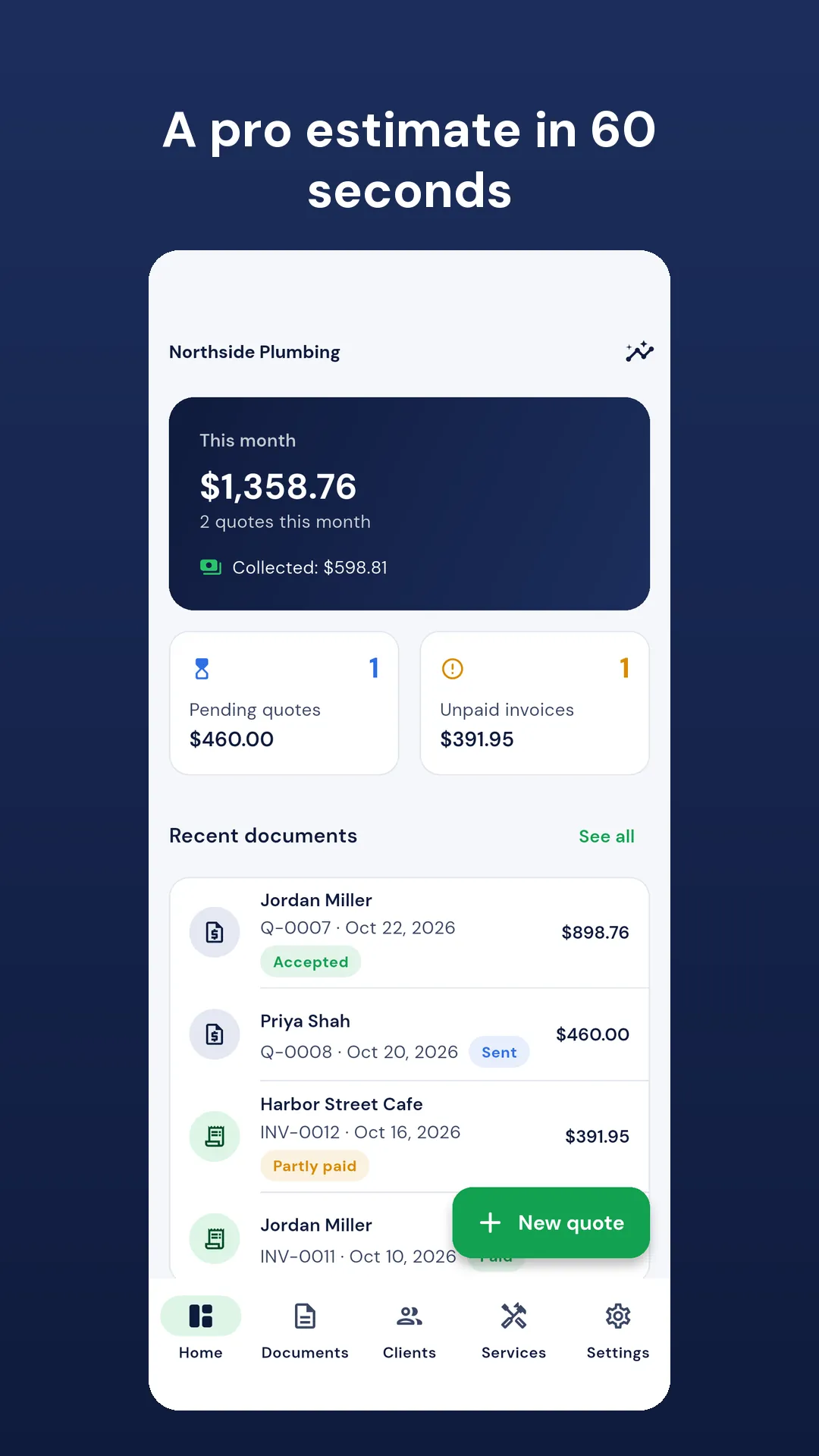
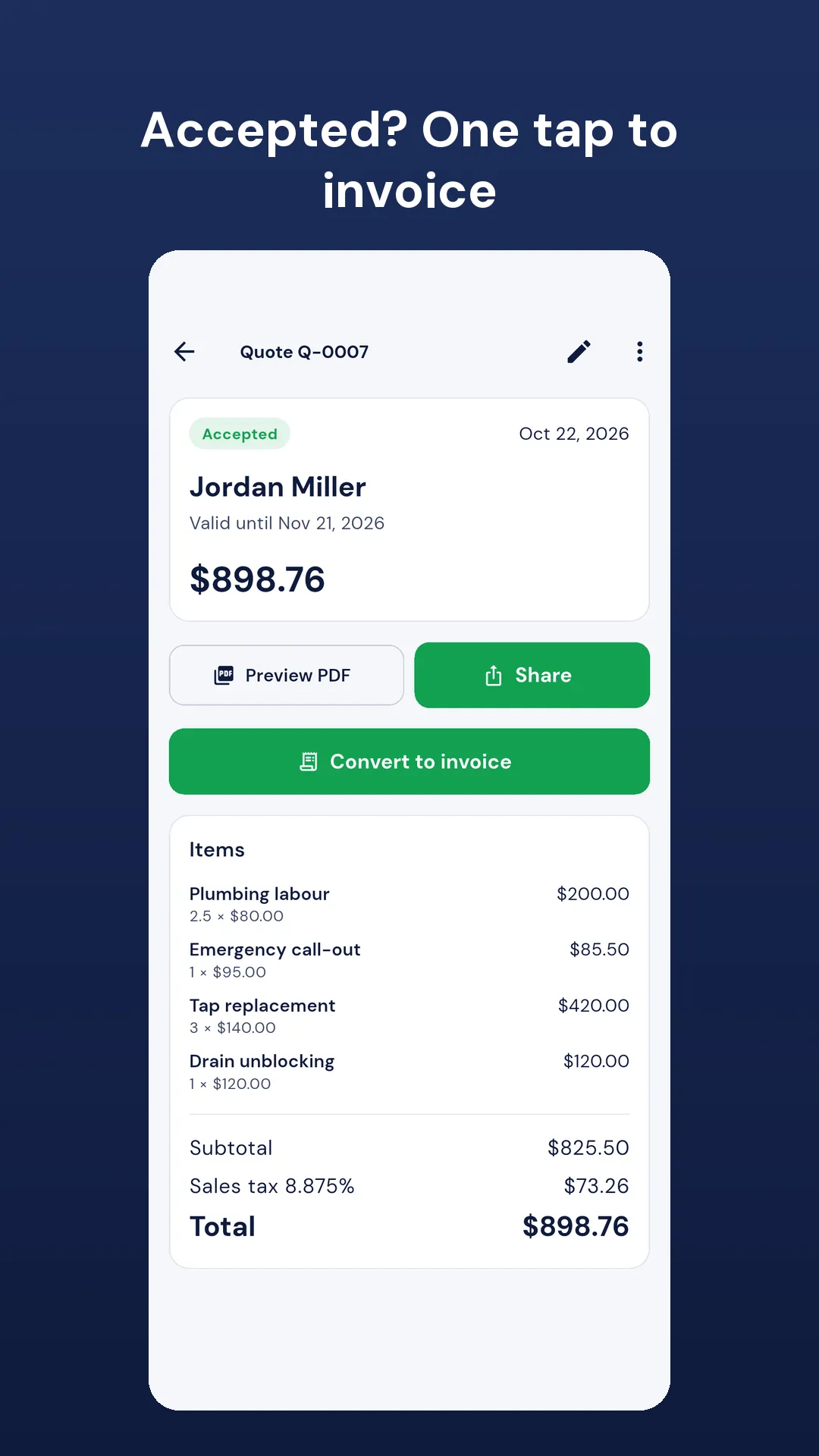
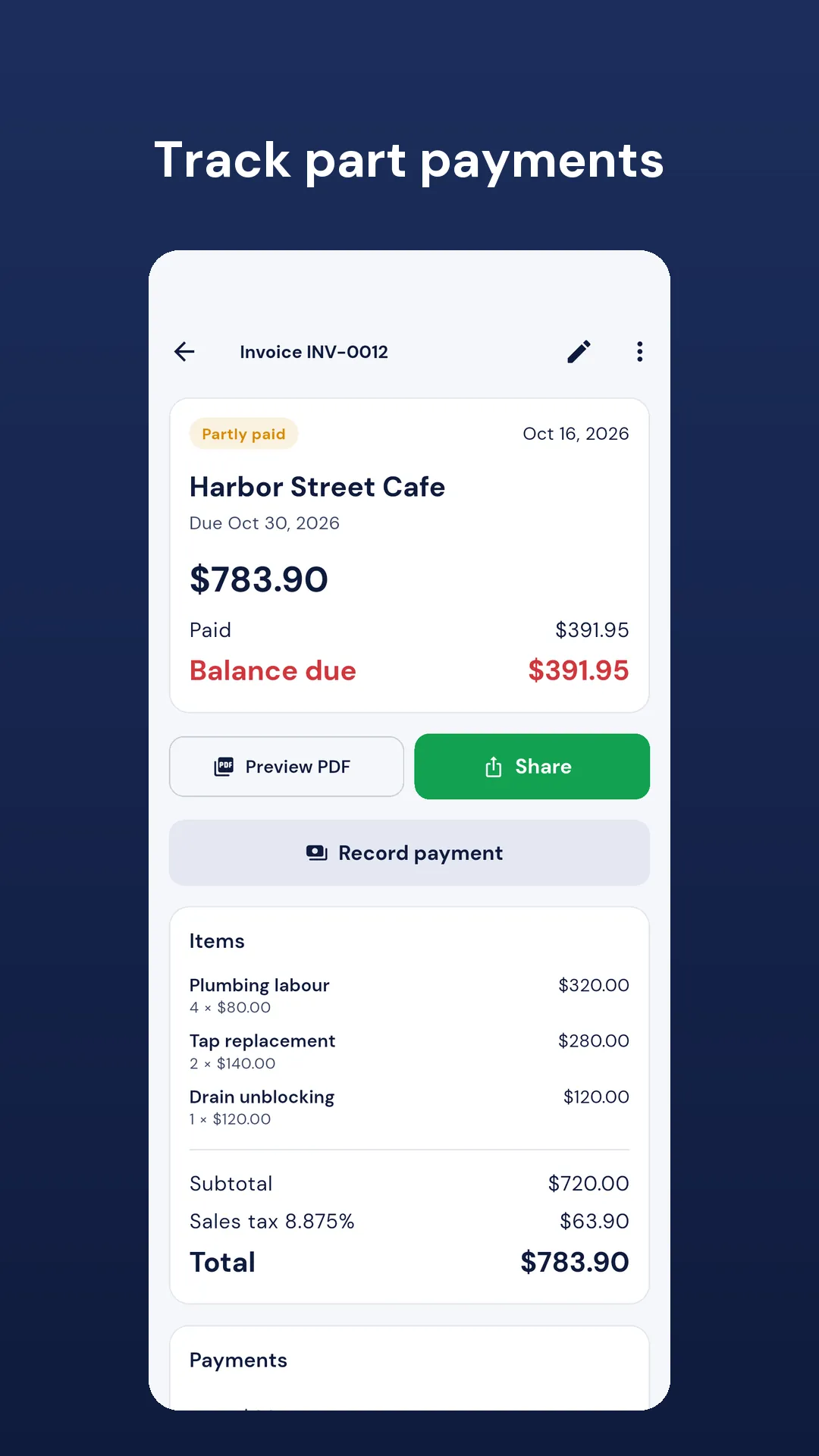
Follow quotes across sent, accepted, declined, and expired stages, then convert approved estimates into invoices in one tap while preserving the original quote. Partial payments and refunds update remaining balances immediately, and overdue invoices are clearly highlighted.

Consistent, exact arithmetic

All calculations use exact integer math paired with a single rounding rule. The figure displayed on screen always matches what is stored in the record and printed on the PDF.

Offline reliability and easy backup

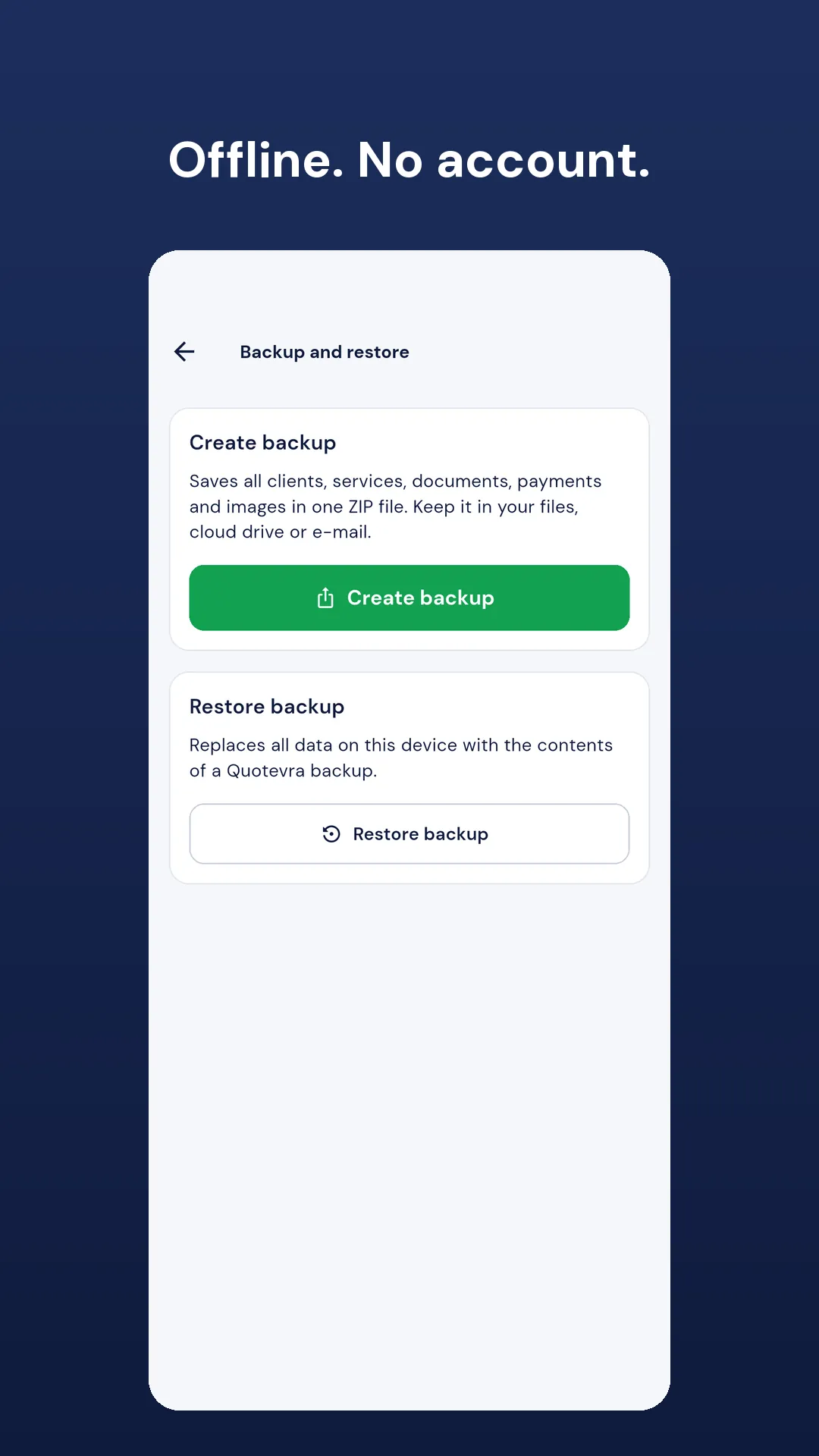
Draft and review documents even where signal is weak or unavailable, with no ads getting in the way. Whenever you want a safeguard, you can export a complete backup of your data to a single file.

How it works

  1. Add services and quantities

    Tap items from your service list or starter trade templates, enter quantities, and configure any discounts or sales tax rates.

  2. Preview and send the PDF

    Check the generated estimate layout and totals, then share the PDF directly with your client via text message, WhatsApp, or email.

  3. Convert to invoice and track payment

    Once the client approves, turn the estimate into an invoice in one tap and log full payments, part payments, or refunds as they arrive.

Privacy

Quotevra requires no account creation or sign-in and contains no advertising. All client records, estimates, invoices, and business details remain stored locally on your phone, and the app operates without an internet connection. You can create a full single-file backup whenever you choose so your records stay under your own control.

Read the privacy policy →

Who it is for

Designed for independent tradespeople such as plumbers, electricians, painters, cleaners, gardeners, and handymen who need to price work accurately on the move. It suits solo contractors and self-employed specialists who want clear PDF estimates, straightforward invoicing, and payment tracking from their phone without desktop software.

FAQ

Does Quotevra submit certified e-invoices or file taxes?

No. Quotevra produces PDF estimates and invoices for sharing with clients; it is not a certified e-invoicing or tax-filing service, so you should verify your local invoicing requirements separately.

Can I prepare estimates without an internet connection?

Yes. Everything works offline with no sign-in required, so you can build and check a PDF quote on site and send it by text, WhatsApp, or email once you have reception.

What happens to my original estimate when I convert it to an invoice?

The original estimate stays preserved in your records alongside the new invoice, letting you keep a clear history from initial quote through final payment.

Where is my business data stored, and can I back it up?

Your data stays on your device rather than on an external account. You can export a full backup into a single file at any time.

More apps