One-screen debt summary
See your total card debt, the amount due this month and your combined minimum payment together on a single screen.

Credit card balance and due date tracker
You enter your cards and the amounts, and CardDue works out statement days, due dates and what is still left to pay. It never connects to your bank accounts, never asks for online banking details and never pays on your behalf; it only keeps track. It is free to download from Google Play and needs no account.
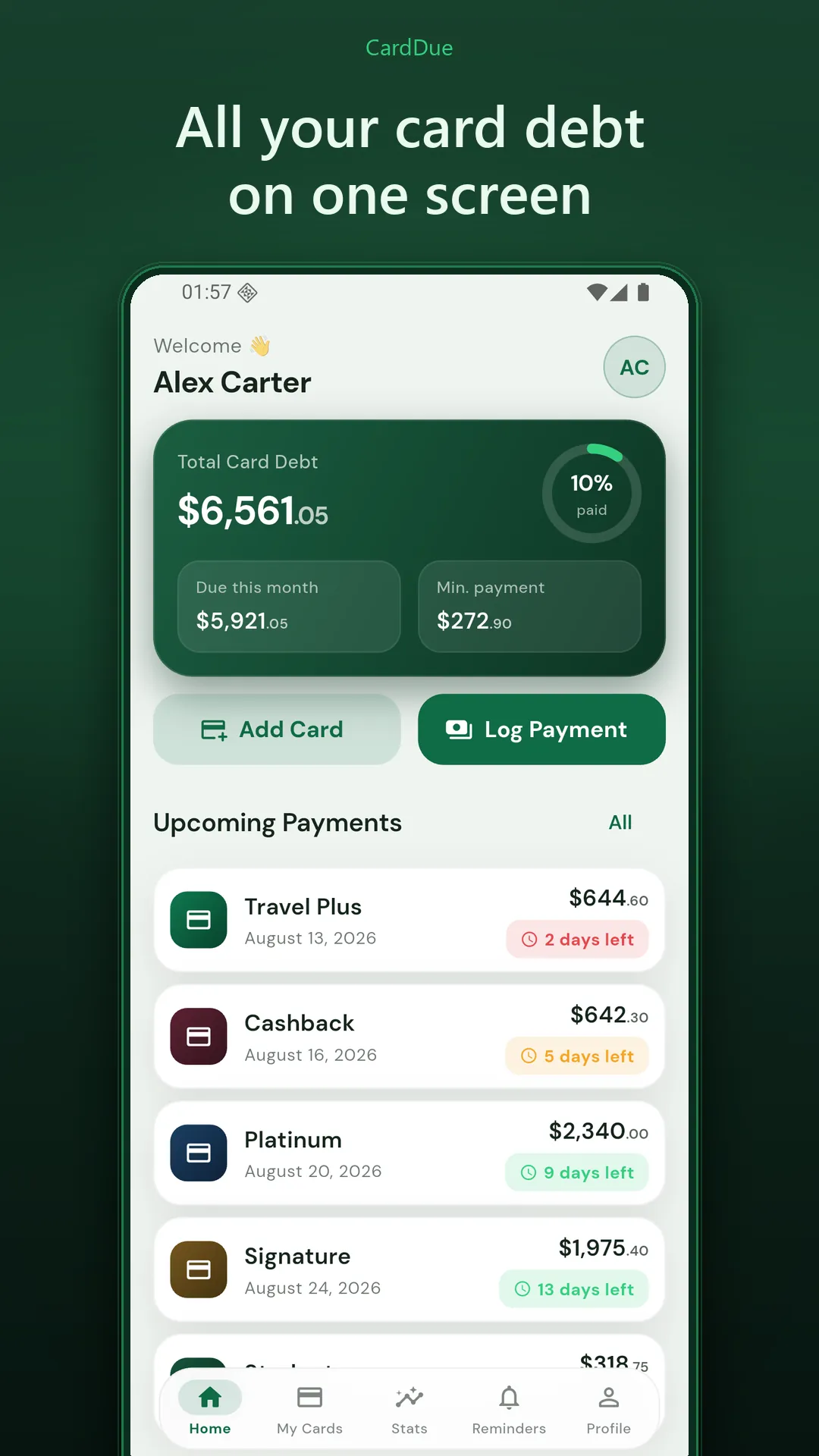
See your total card debt, the amount due this month and your combined minimum payment together on a single screen.
Set the statement day and the due day separately for every card. In shorter months the day is adjusted for you.
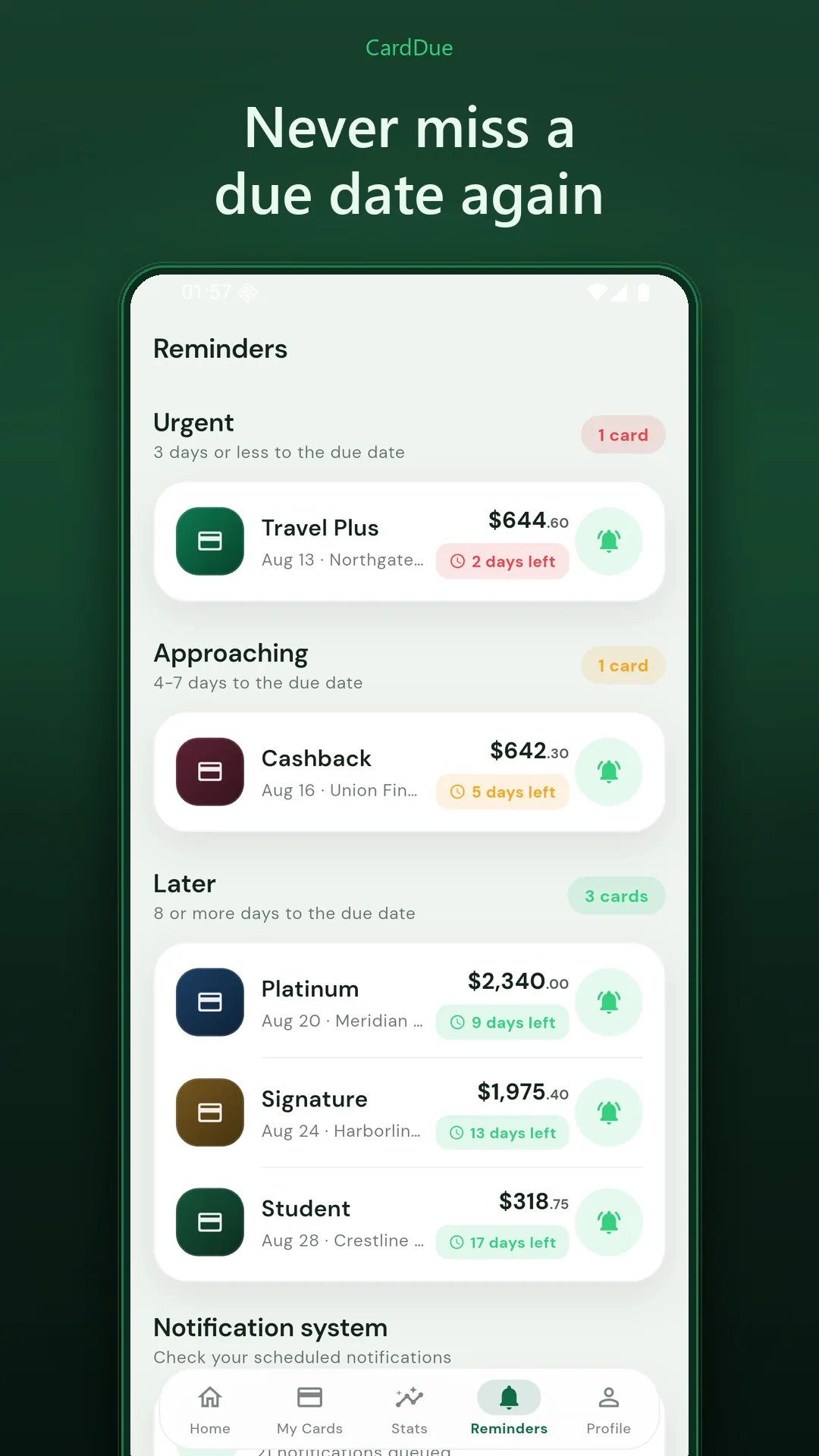
Get a notification 7, 3 and 1 day before the due date and again on the morning of the due date, plus an overdue notice if it passes. Notifications are scheduled on your device.
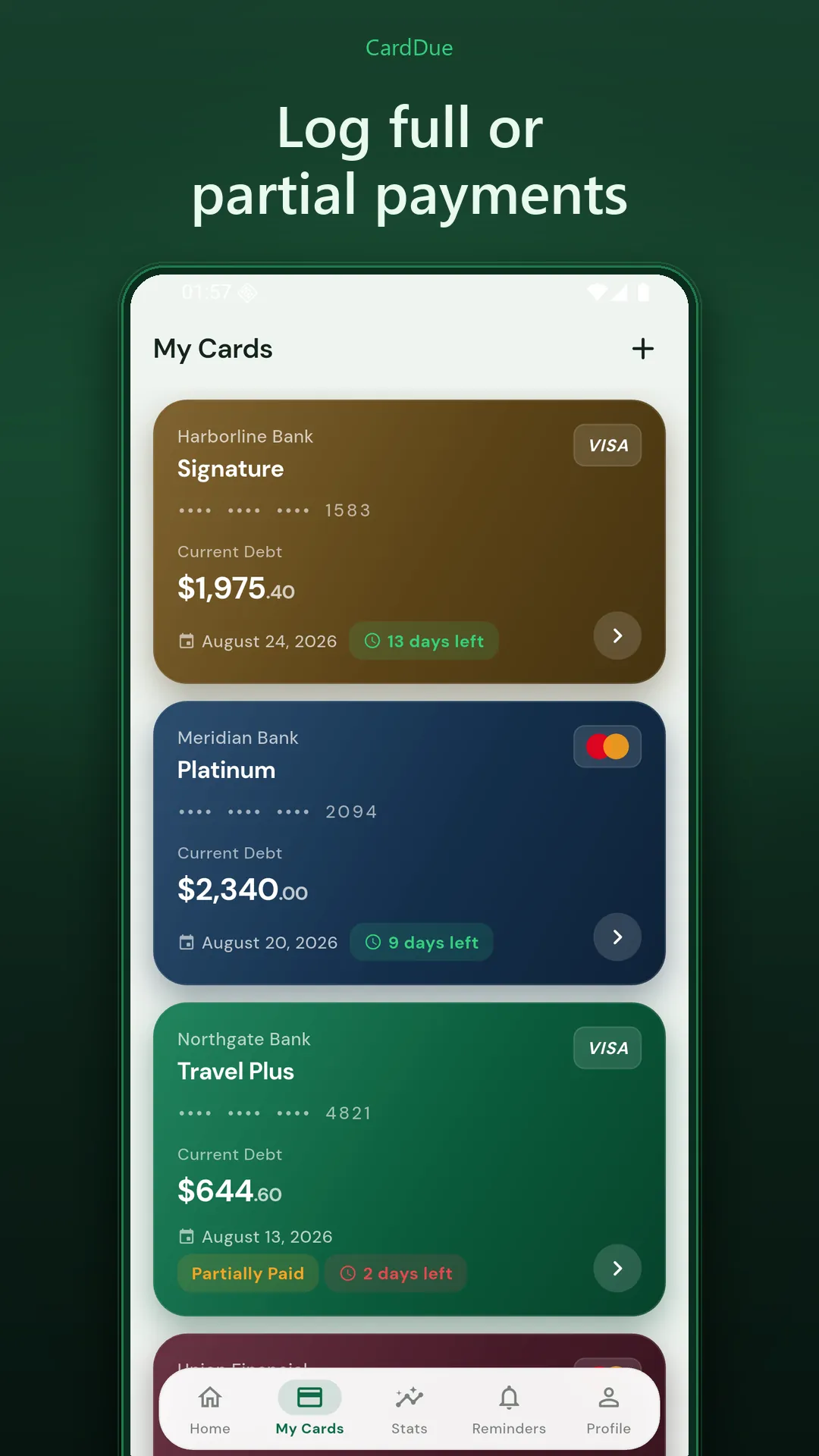
Record a payment as full or partial. The remaining balance is recalculated straight away and the payment is added to your history.
When a new statement period starts, you are reminded to update the balance and nothing you entered earlier is erased. Cards you no longer use can be archived rather than deleted.
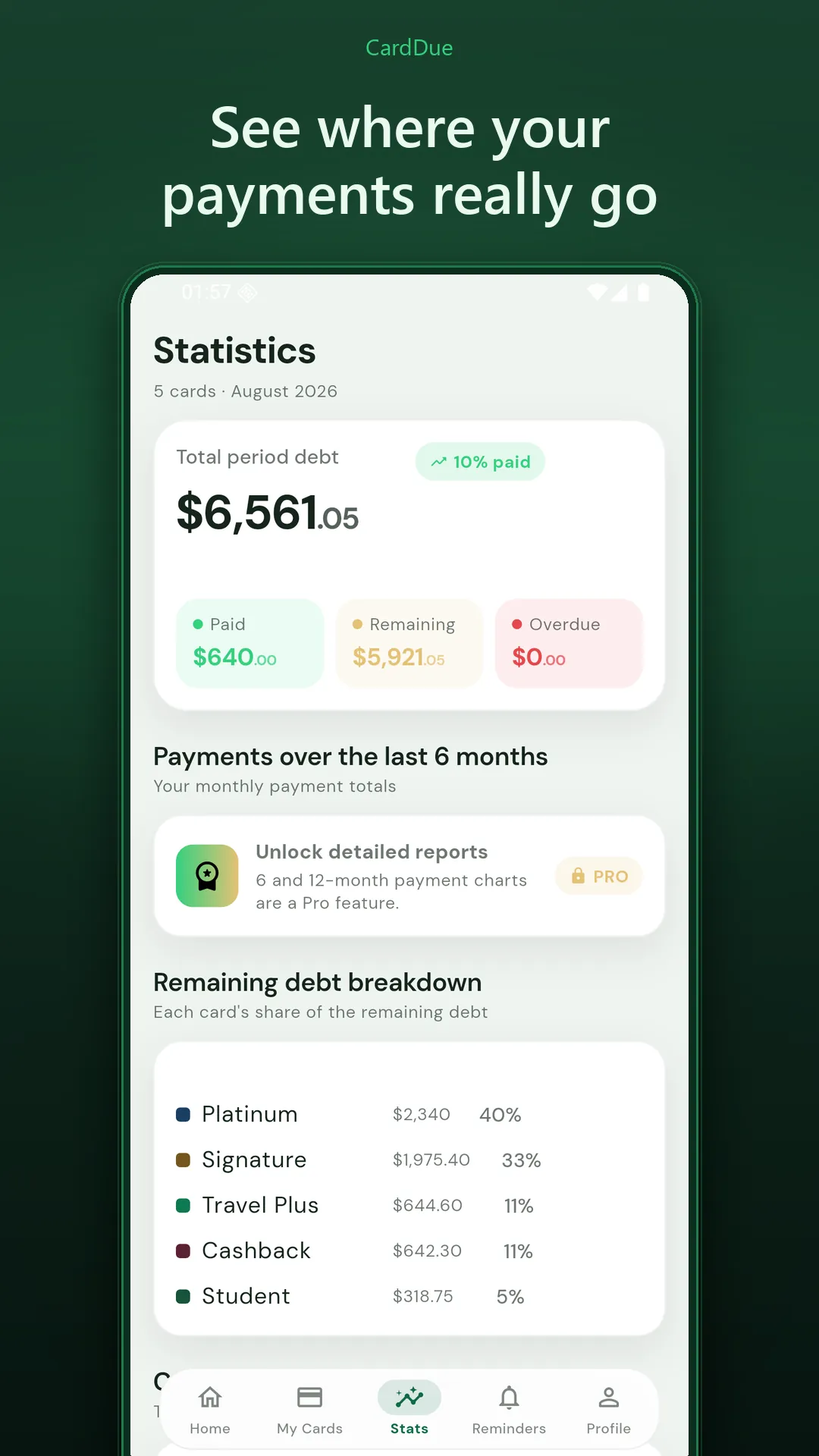
Period debt, paid and remaining amounts, the overdue share and a card-by-card breakdown are shown as charts.
Enter the card name, the bank name and the last four digits. The full card number, expiry date and CVV are never requested.
Type in the statement day, due day, statement balance, minimum payment and credit limit; CardDue calculates what remains.
Follow the notifications as the due date gets closer, then log the amount in the app once you have paid.
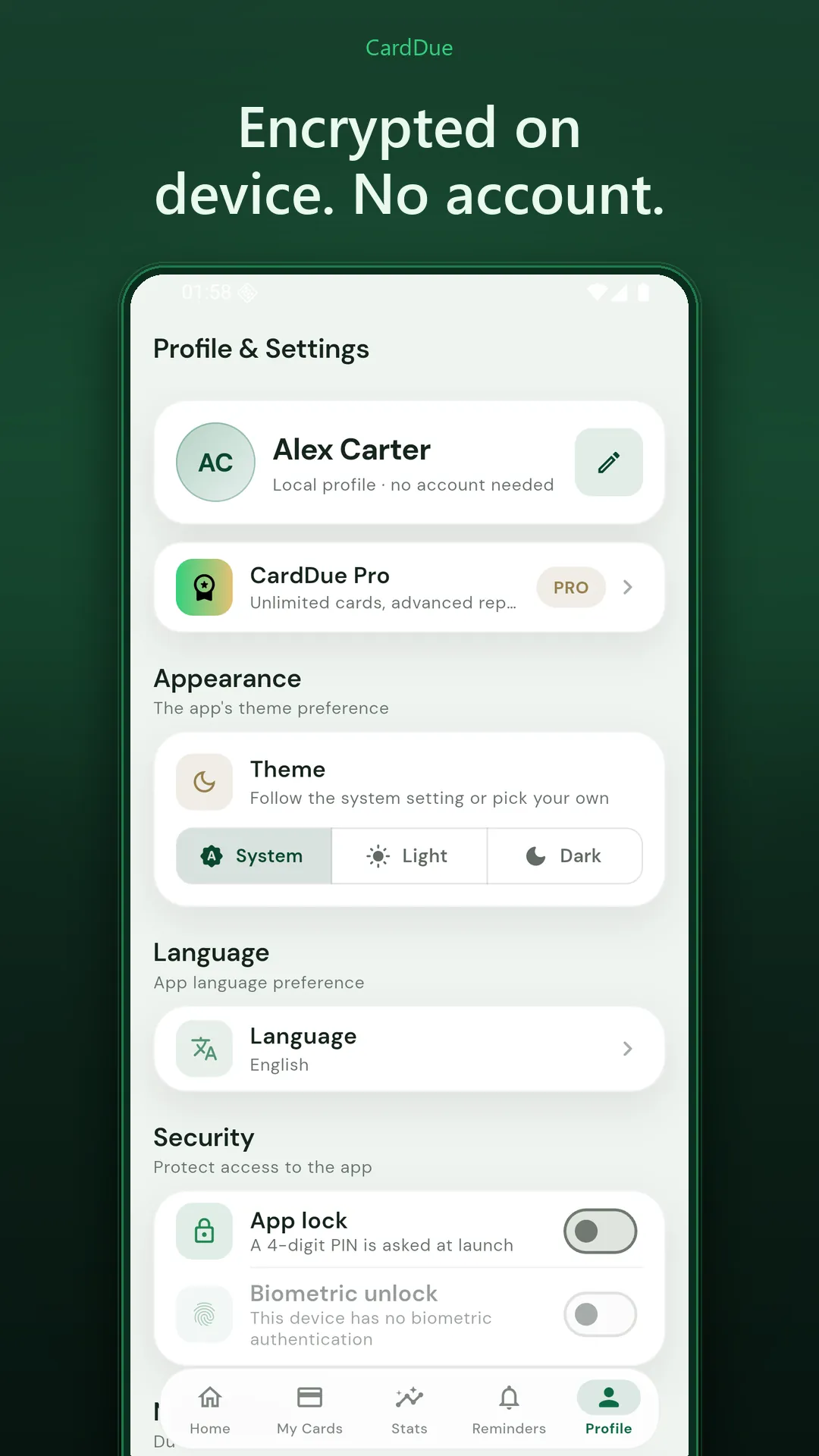
CardDue keeps your records in a database on your device that is encrypted with AES-256, and the key is held in the device's secure storage. You do not need to create an account or give an email address. The app does not access your bank accounts or ask for online banking details, and it never requests the full card number, expiry date or CVV. Only what you type in is stored: card name, bank name, last four digits, statement balance, minimum payment and credit limit. Your card and payment data is not sent to a server.
Made for people who use more than one credit card and do not want to miss a due date. It suits anyone who wants to see where all their cards stand in one place, without signing in to banking apps, and who prefers to keep that information on their own phone. CardDue is a tracking tool and does not give financial, credit or investment advice.
No. CardDue does not access bank accounts, does not ask for online banking details and does not make payments for you. You enter the cards and amounts, and the app keeps track.
No. The full card number, expiry date and CVV are never requested; the last four digits are enough to tell your cards apart.
Your records stay on your device in a database encrypted with AES-256. No account or email is needed, and your card and payment data is not sent to a server.
For each card you are notified 7, 3 and 1 day before the due date and on the morning of the due date. If the date passes, you also get an overdue notice.

Private offline expense tracker and personal ledger

On-device document scanner, photo and PDF compressor

Fast-paced one-tap gravity-flip neon arcade runner

An encrypted vault on your phone for key documents

Offline home maintenance planner and equipment log

Minimalist one-tap orbital arcade game of timing and flow