Target-size photo compression
Choose from preset limits between 20 KB and 2 MB and let the app automatically find the highest image quality that stays beneath your cap. You can inspect the exact resulting file size before saving.
On-device document scanner, photo and PDF compressor
Prepare documents and images for strict upload limits without sending sensitive files to external servers. FileFit brings together document scanning, target-size photo compression, format conversion, and PDF shrinking in one focused mobile utility. It is free to download and performs every operation locally on your device, even without an internet connection.
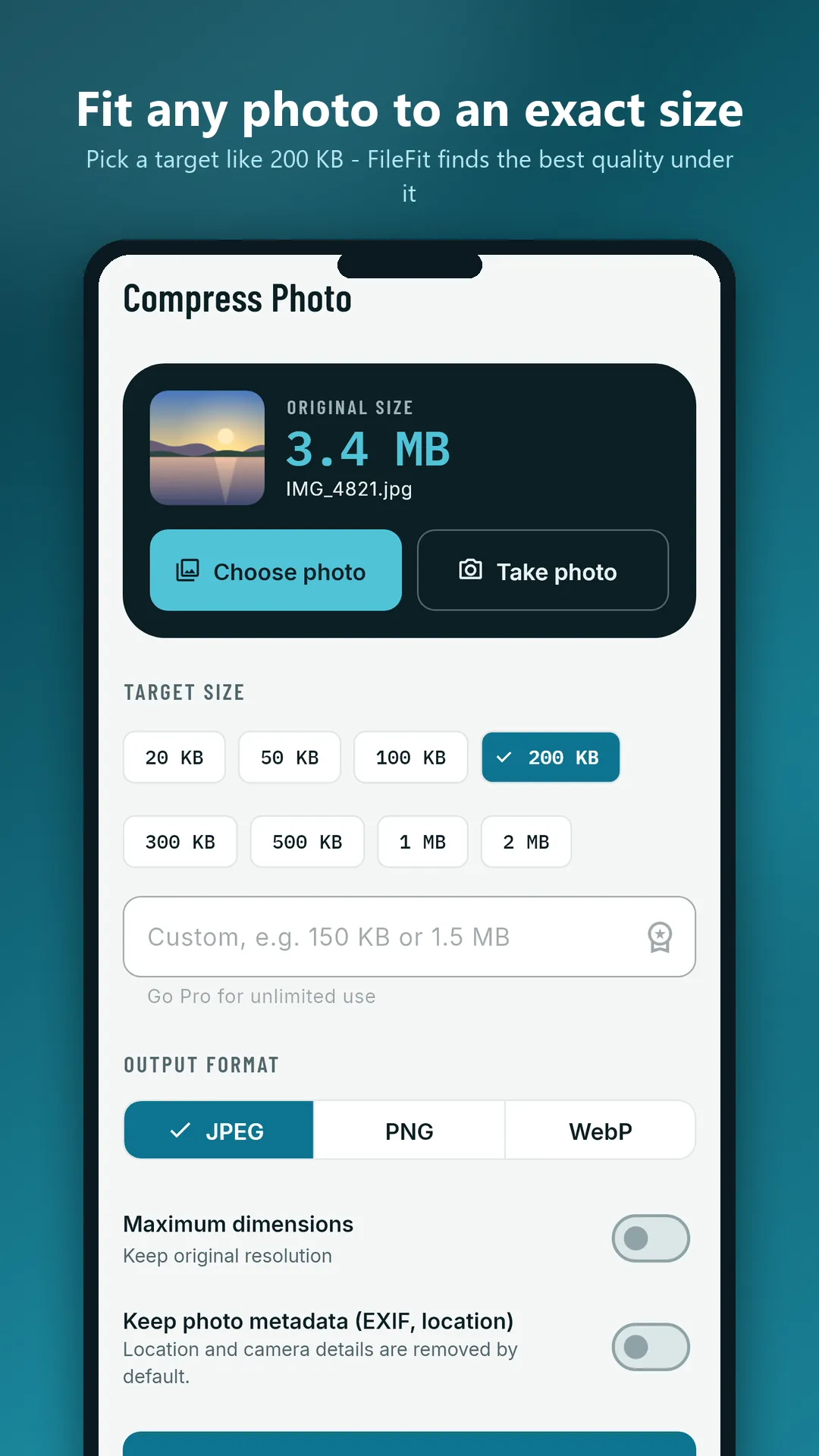
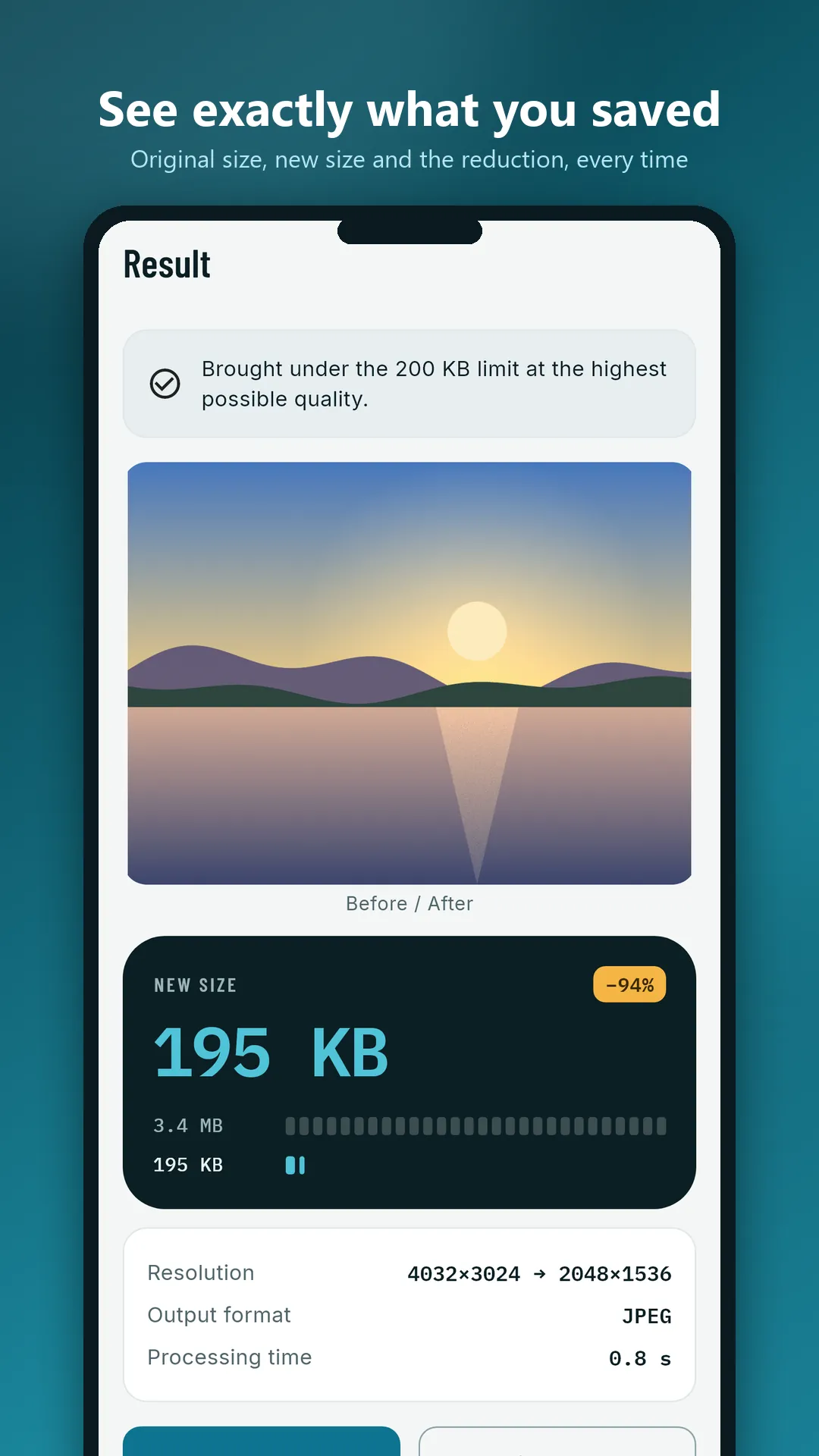
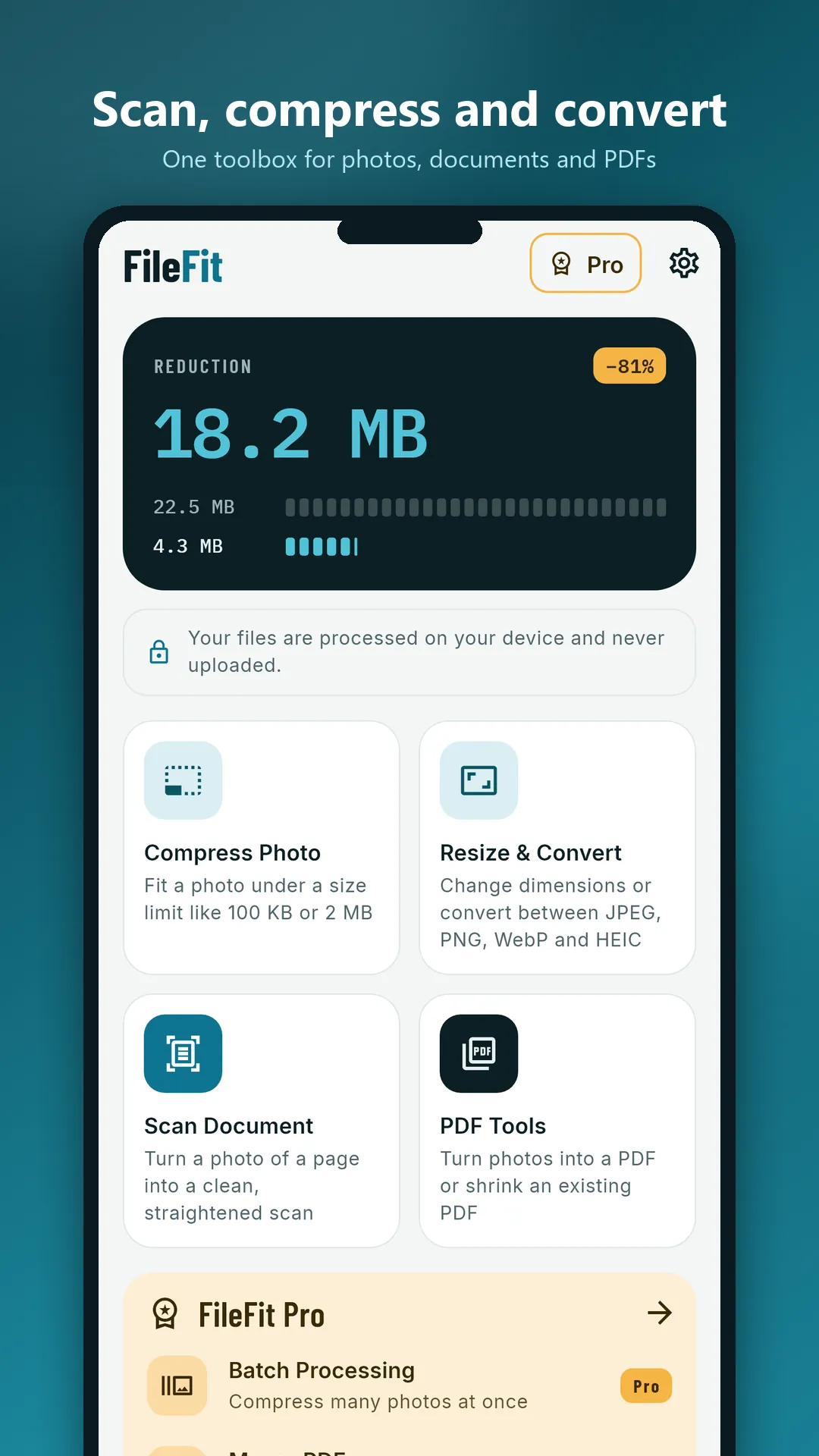
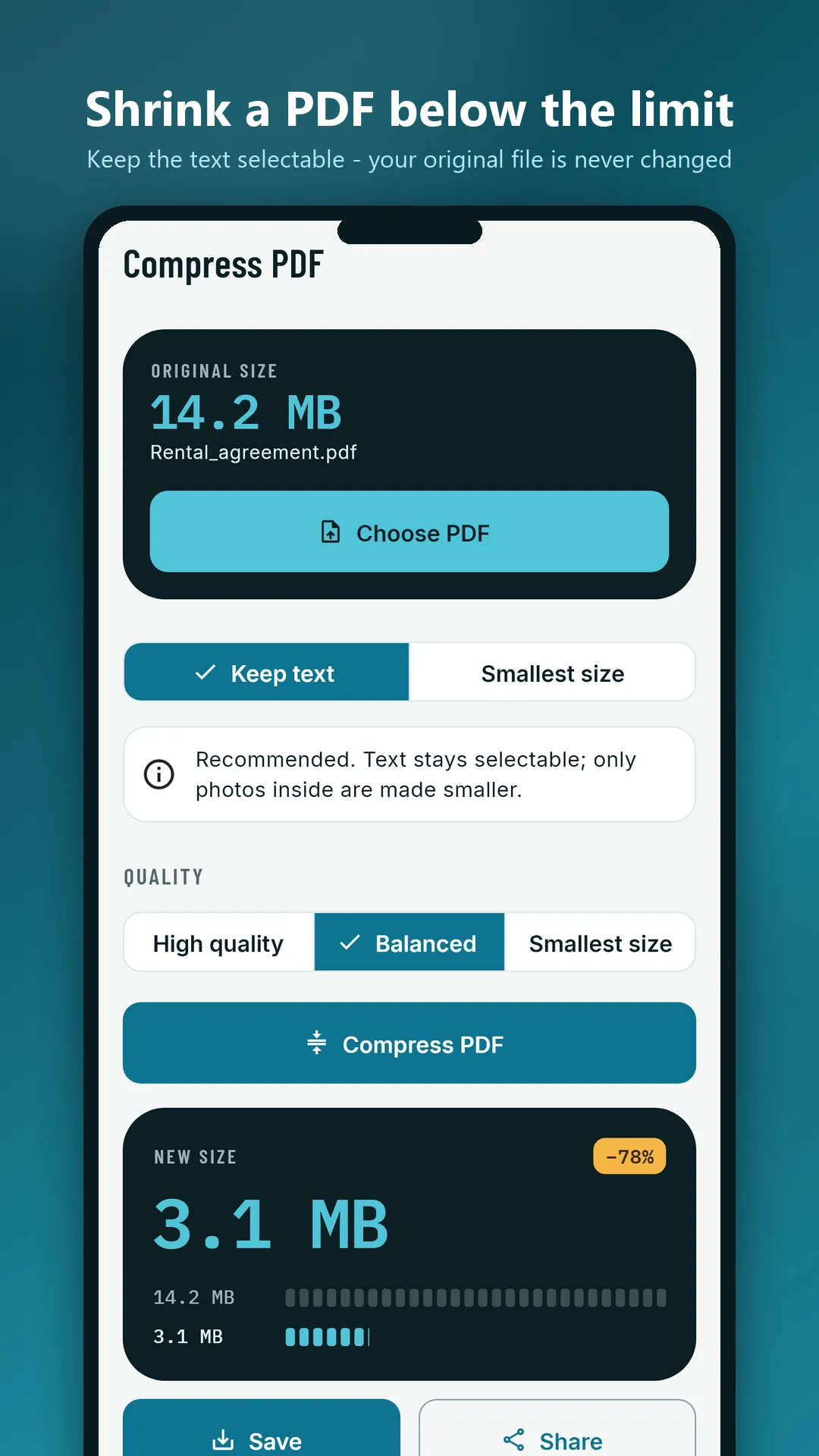
Choose from preset limits between 20 KB and 2 MB and let the app automatically find the highest image quality that stays beneath your cap. You can inspect the exact resulting file size before saving.
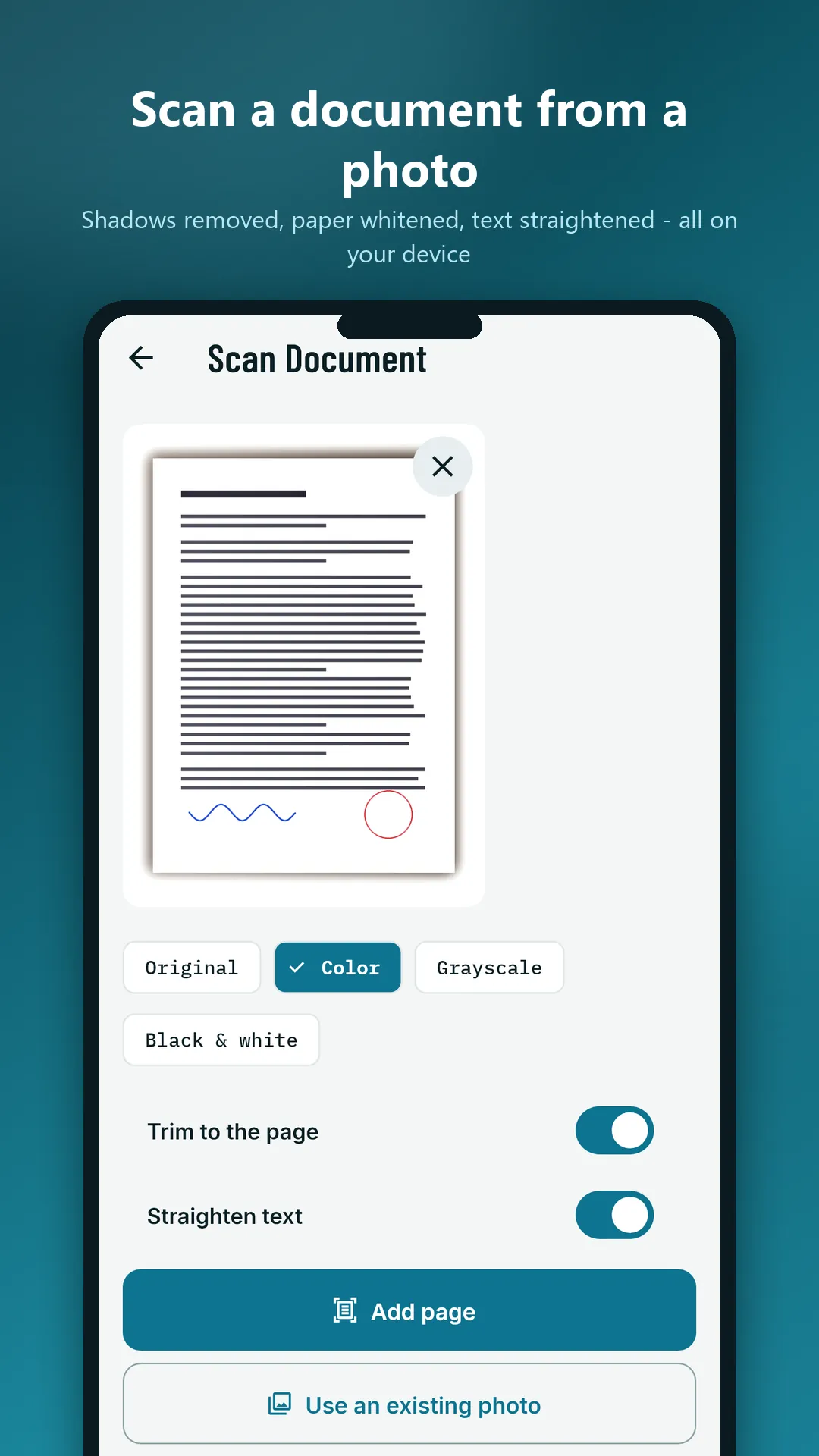
Convert camera shots or existing gallery photos of paper pages into sharp, flat scans with shadows and uneven lighting cleaned up. Automatic edge detection straightens perspective, with colour, greyscale, and black-and-white output modes.
Scale photos by exact pixels or percentage while keeping the original aspect ratio intact. Convert between HEIC, JPG, and PNG (plus WebP on Android), with transparent PNG backgrounds automatically filled with white.
Combine multiple images into one PDF using A4, Letter, or original photo dimensions. You can also reduce oversized existing PDFs so they pass strict portal limits.
Document scanning, compression, and conversion all happen directly on your phone rather than on remote servers. Everything continues working reliably with mobile data and Wi-Fi turned off.
Send images or PDFs straight from other apps or your system file manager into a clean interface with dark mode support. Processing history stays optional and can be cleared or disabled whenever you choose.
Snap a document with your camera, choose an existing image from your library, or import a PDF that needs to be smaller.
Set the KB or MB ceiling, output format, page dimensions, or colour mode, and let FileFit optimize the file automatically.
Review the final output size before committing, then save the ready-to-upload file directly to your device or share it.
FileFit never transmits your photos or documents to external servers; scanning, resizing, compression, and PDF processing all run locally on your device. There is no account creation, sign-in, or file activity tracking. Embedded location and camera metadata (EXIF) are stripped from images by default, and you remain in full control of local processing history.
Built for anyone submitting files to portals with strict size or format rules, including passport, visa, exam, school, and job applications. It is equally handy for email attachments, marketplace listings, and anyone who wants to clean up and shrink sensitive documents without handing them to a web-based converter.
No. Every step, including document scanning, image compression, format conversion, and PDF shrinking, runs locally on your phone so your files never leave your device.
Neither is required. FileFit works without sign-up or login and operates completely offline, including in airplane mode.
Location and camera EXIF metadata are removed by default during processing, helping ensure you do not accidentally share extra details inside uploaded images.
Preset photo size targets cover 20 KB, 50 KB, 100 KB, 200 KB, 300 KB, 500 KB, 1 MB, and 2 MB. The app converts between HEIC, JPG, and PNG (as well as WebP on Android), builds PDFs in A4, Letter, or photo size, and shrinks existing PDF files.
Fast-paced one-tap gravity-flip neon arcade runner

An encrypted vault on your phone for key documents

Offline home maintenance planner and equipment log

Minimalist one-tap orbital arcade game of timing and flow
Row marker and counters for knitting and crochet PDFs
Private offline voice journal with emotion tags