NODVERA
QuietJournal app icon

QuietJournal

Private offline voice journal with emotion tags

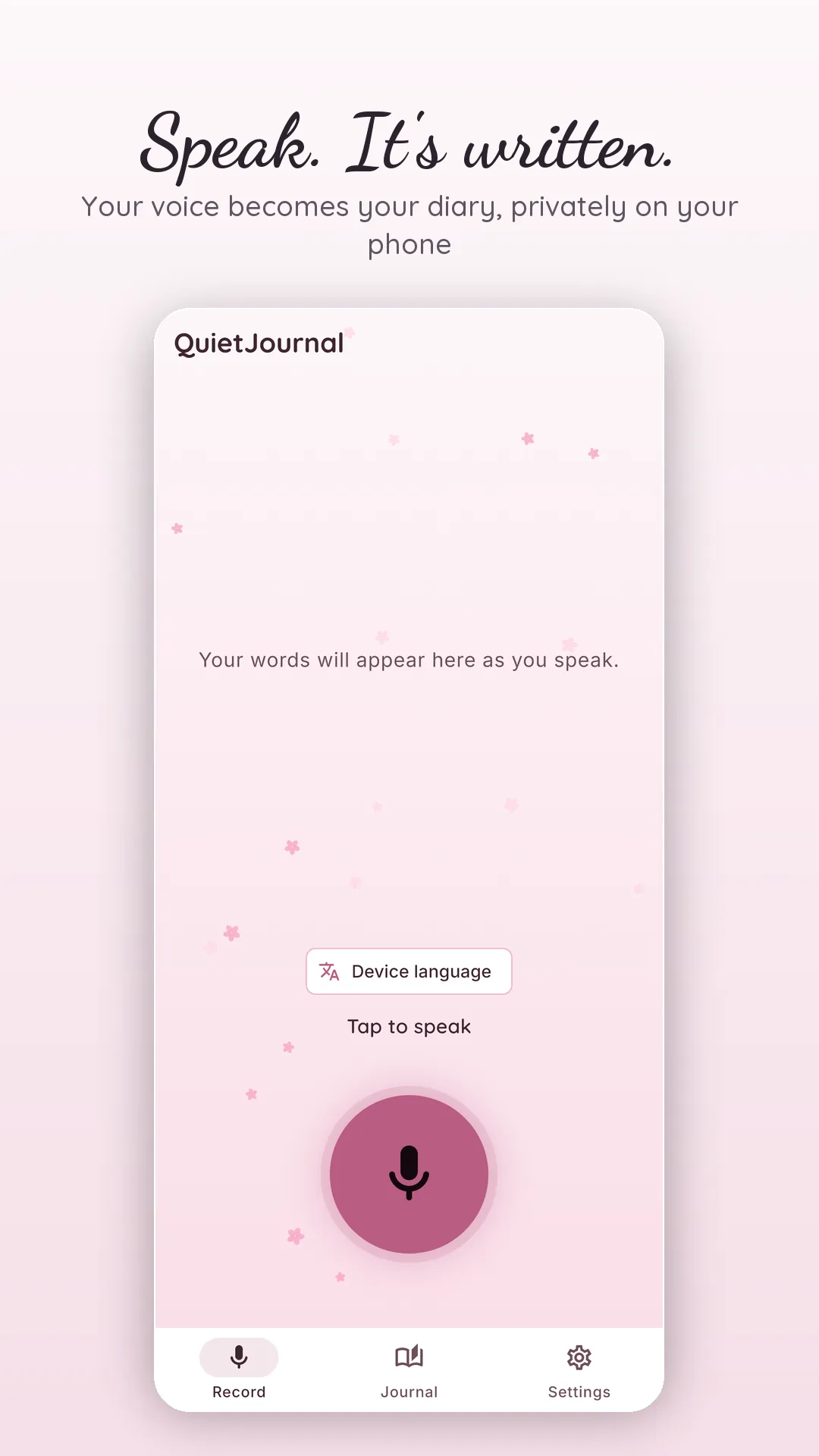
QuietJournal offers a calm, distraction-free space to keep a diary simply by talking instead of typing. Tap the microphone to turn spoken thoughts into written entries directly on your phone, while optionally keeping your original voice recording alongside each note. Free to download on Android, iPhone, and iPad, it runs without servers, cloud accounts, or ads.

Screenshots

Features

Voice-to-text and original audio

Speak naturally and watch your words turn into a clean written journal entry in seconds right on your device. You can also keep the original voice recording alongside each entry, even when speech cannot be transcribed.


Emotion tags and 7-day overview

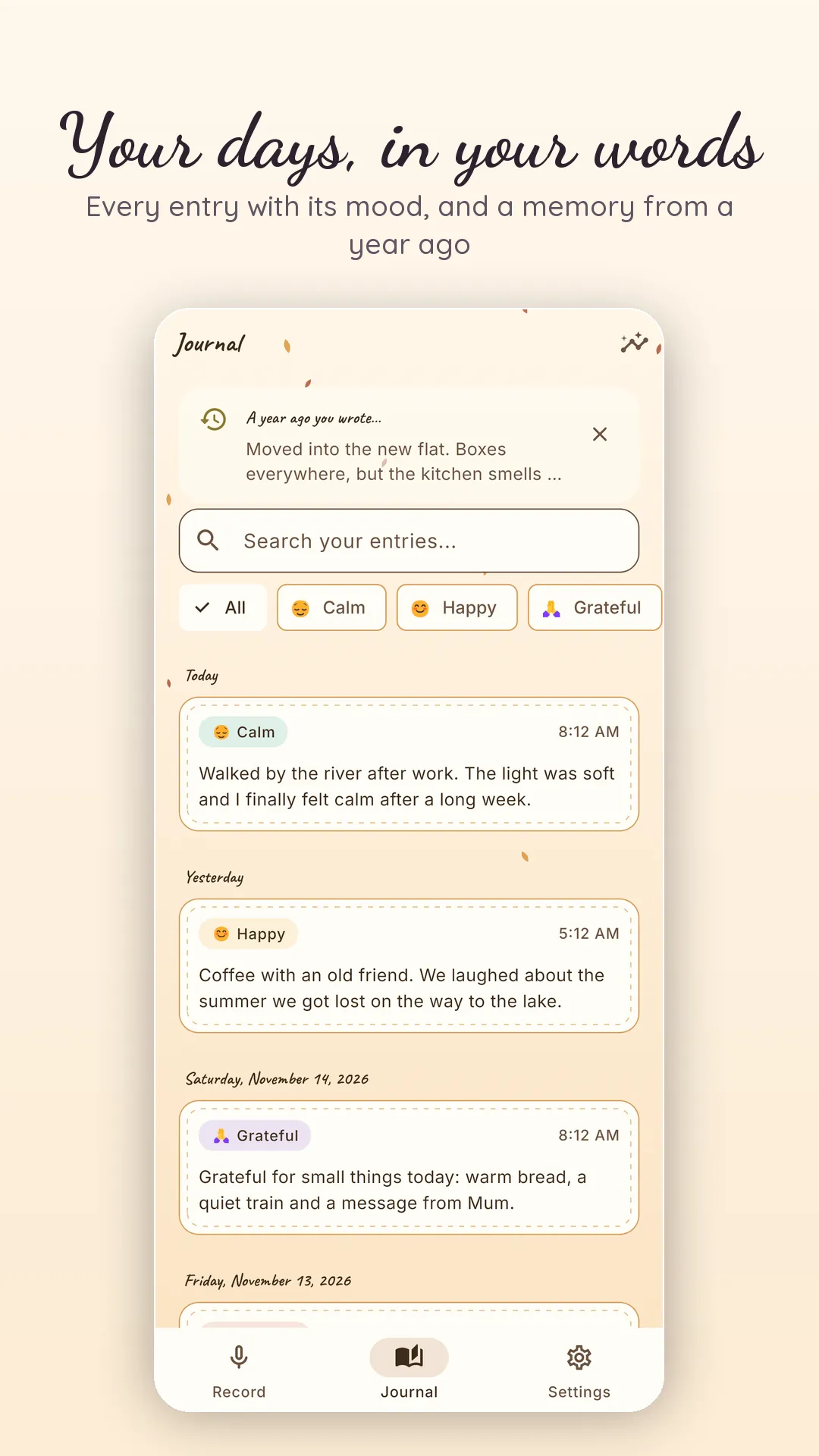
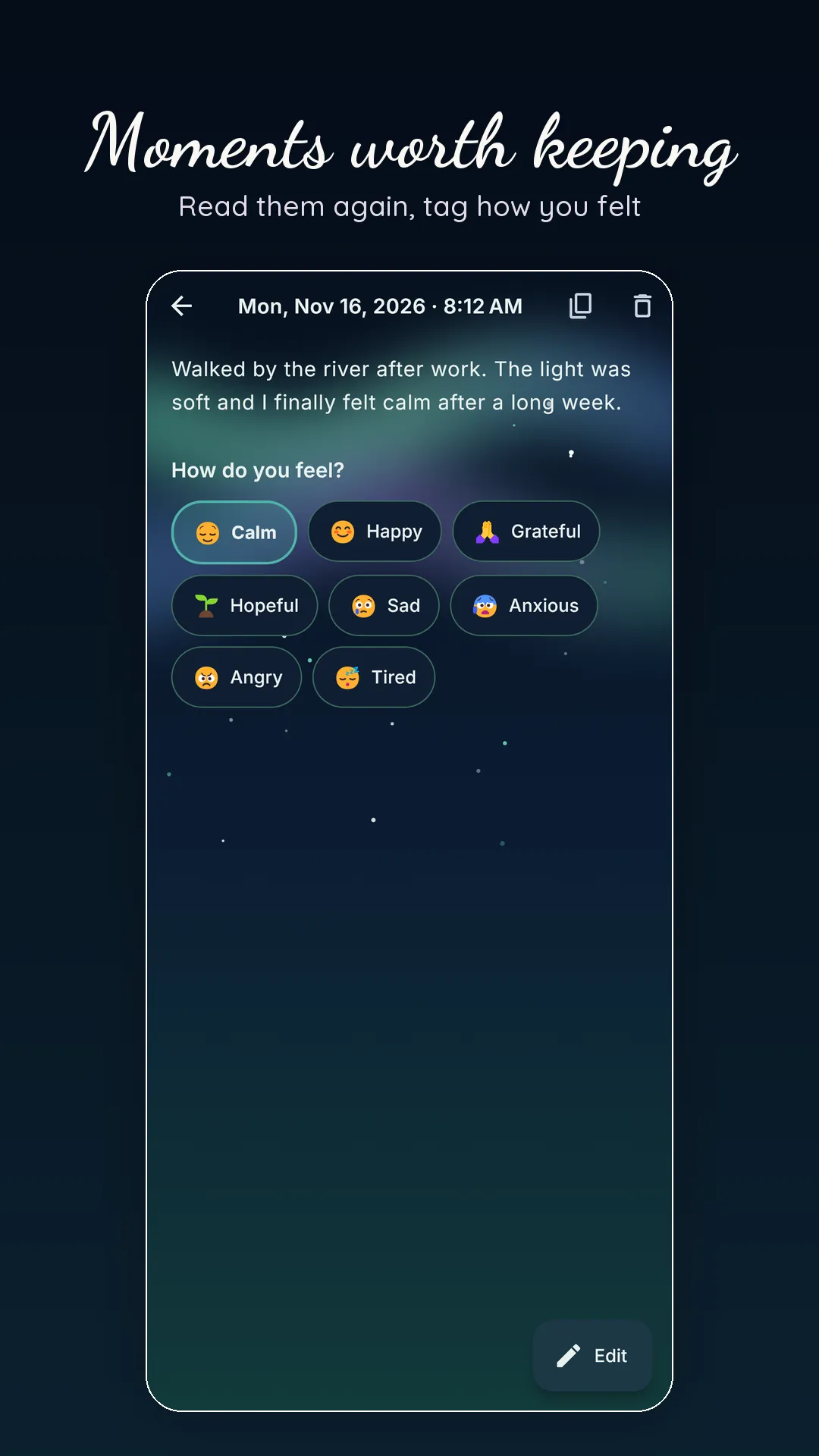
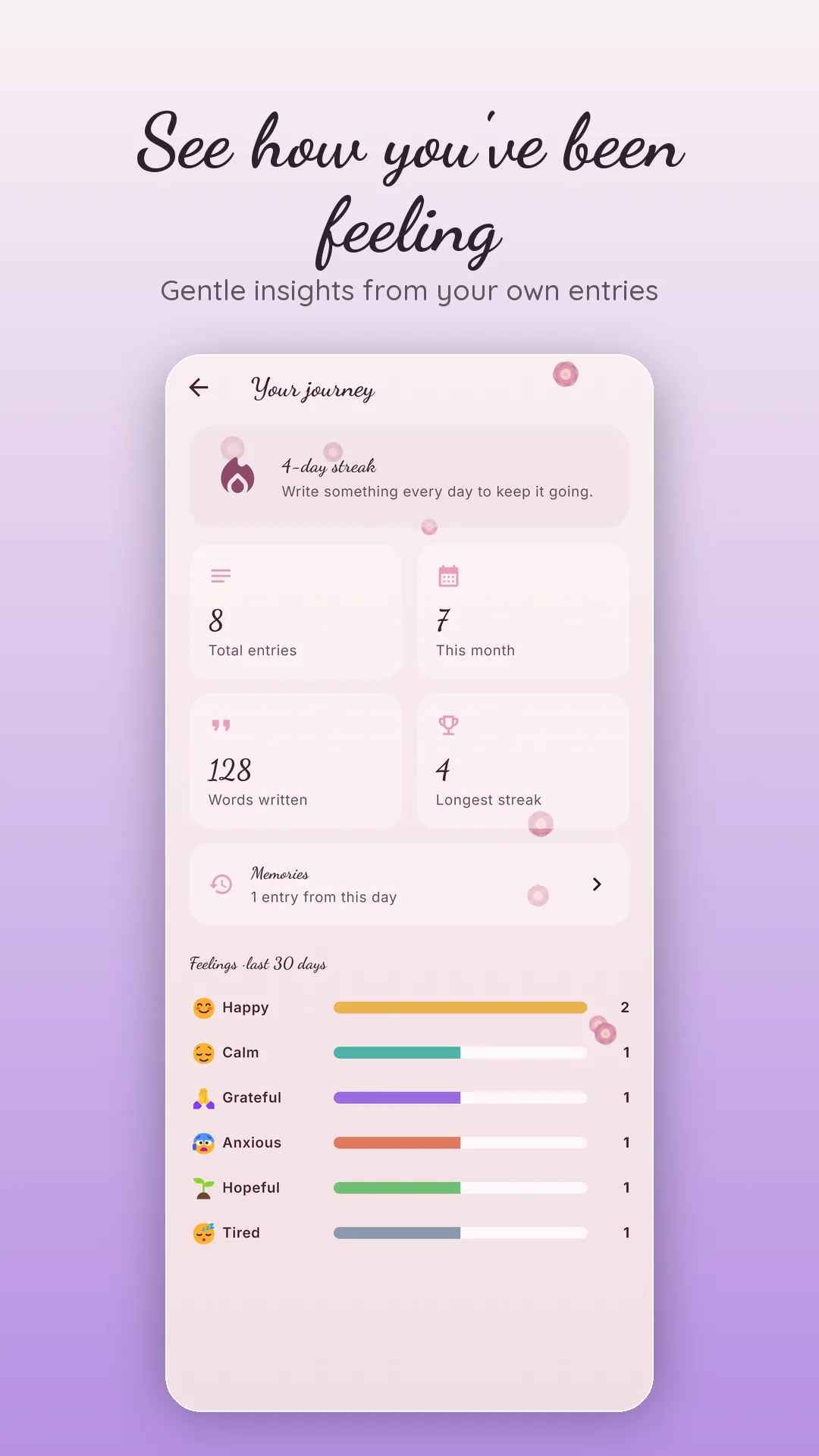
Label entries with eight moods — calm, happy, grateful, hopeful, sad, anxious, angry, or tired — to notice emotional patterns over time. Review your past seven days at a glance to reflect on your week.

Search, filters, and gentle prompts

Find past moments quickly by searching your entries or filtering by emotion tag. A gentle first prompt and an optional evening reminder help make reflection an easy daily habit.

Biometric lock and offline journaling

Lock your journal behind your fingerprint or face so personal thoughts remain private. With your device's offline speech pack installed, you can journal without internet access on flights or late at night.

Backups and PDF export

Create backups to safeguard your personal archive whenever you wish. Export entries as clean PDF files to read, print, or store outside the app.

Soothing themes in ten languages

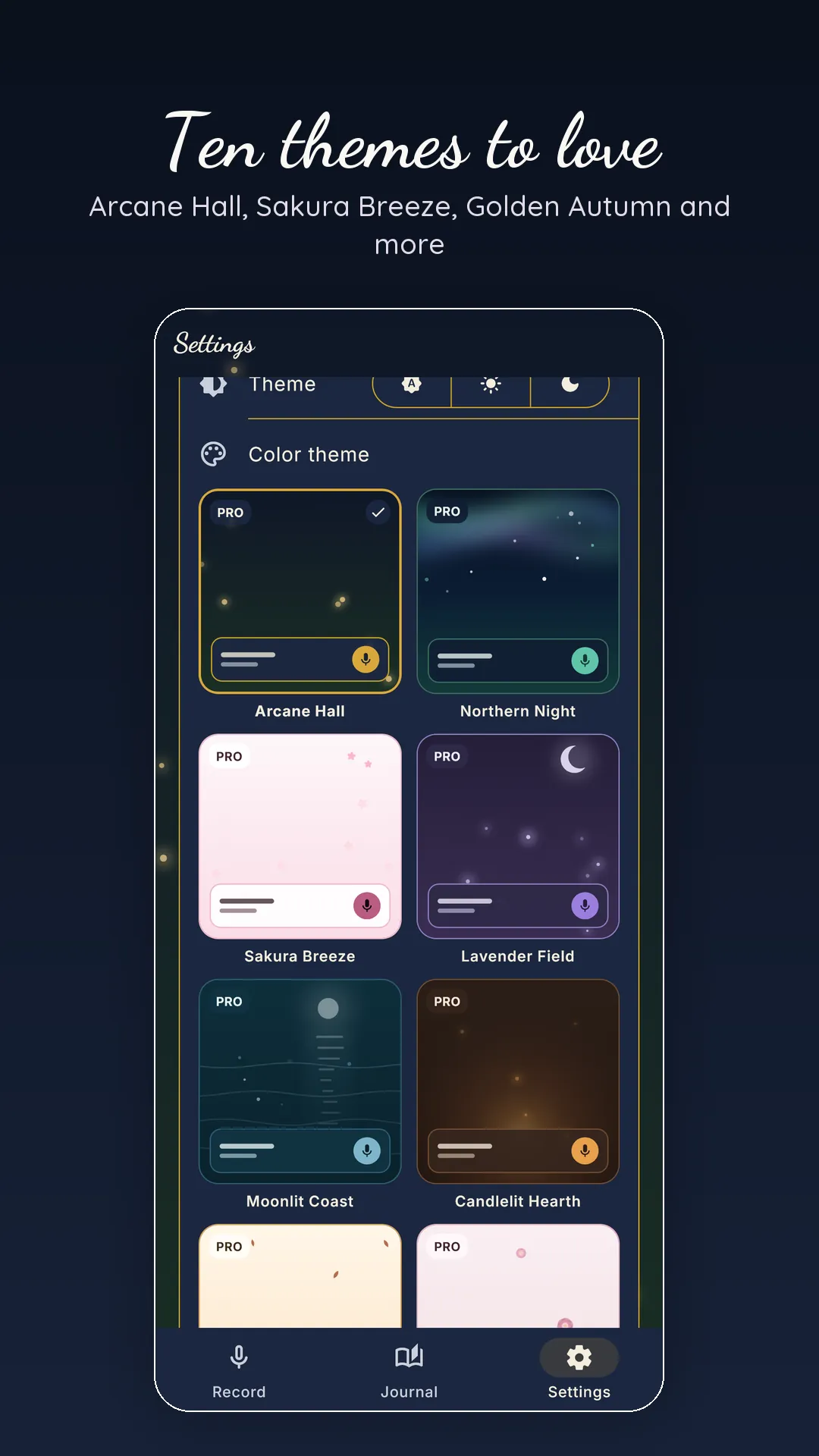
Switch between a near-black dark mode, a soft light theme, additional color palettes, and journal fonts designed for comfortable reading. The ad-free interface is available in 10 languages.

How it works

  1. Tap the microphone and speak

    Use the gentle opening prompt or simply talk through your day while QuietJournal transcribes your words on-device.

  2. Tag your mood

    Attach one of the eight emotion tags to capture how you felt in that moment, and optionally enable an evening reminder.

  3. Lock, revisit, and back up

    Protect your diary with fingerprint or face lock, revisit your last seven days or search past notes, and export backups or PDFs anytime.

Privacy

QuietJournal operates with no servers, no cloud storage, and no user accounts; both your written entries and audio recordings stay solely on your device. Your journal content is never tracked and the app contains no ads. You can protect access with fingerprint or face lock, and record offline whenever your device's offline speech pack is installed.

Read the privacy policy →

Who it is for

Made for people who prefer speaking over typing when capturing daily reflections, gratitude notes, or emotional check-ins. It suits anyone looking for a quiet, ad-free personal diary that keeps sensitive thoughts strictly on their own device rather than in the cloud.

FAQ

Does QuietJournal upload my voice recordings or entries to the cloud?

No. QuietJournal has no servers, no cloud sync, and no account system, so every written entry and voice recording stays exclusively on your device.

Can I record journal entries without an internet connection?

Yes. As long as your device has its offline speech pack installed, you can speak and save journal entries completely offline anywhere you are.

How can I keep other people out of my journal?

You can enable the built-in app lock to protect your entries with your fingerprint or face.

Can I search old entries or export my diary?

Yes. You can search across entries, filter by emotion tags, create backups of your journal, and export entries to PDF.

More apps