Flexible billing cycles and quick catalog
Pick common services from the built-in quick-add catalog or enter custom subscriptions in seconds. Configure weekly, monthly, quarterly, yearly, or custom renewal intervals to match any billing schedule.

Private offline subscription tracker and bill reminder
Recurring charges for media platforms, cloud storage, gyms, and memberships add up quietly when left unchecked. Subly brings every subscription into one chronologically sorted list, showing your real monthly and yearly costs while alerting you before each renewal. Free to download on Android, iPhone, and iPad, it runs locally on your phone with no account or cloud required.
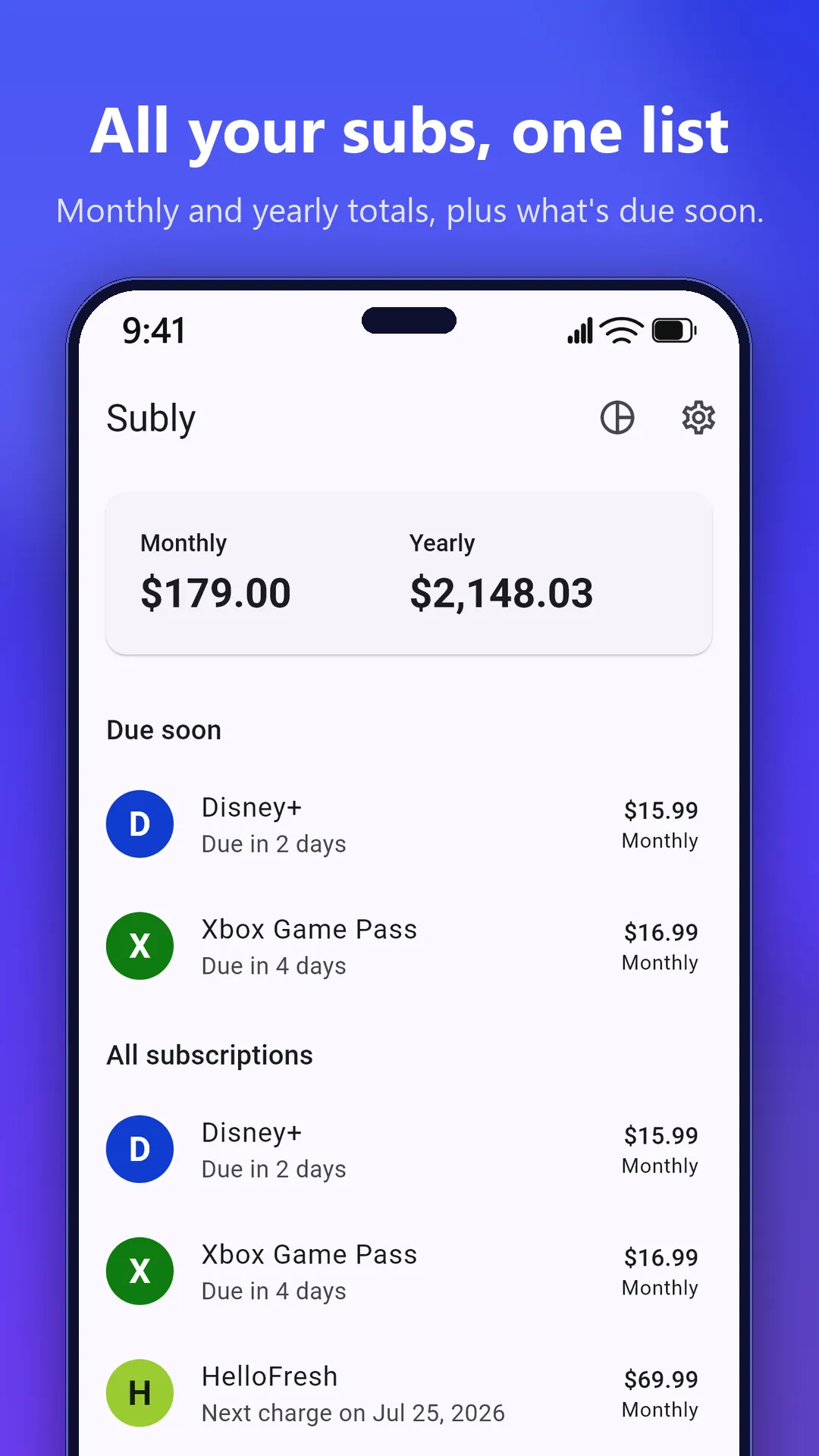
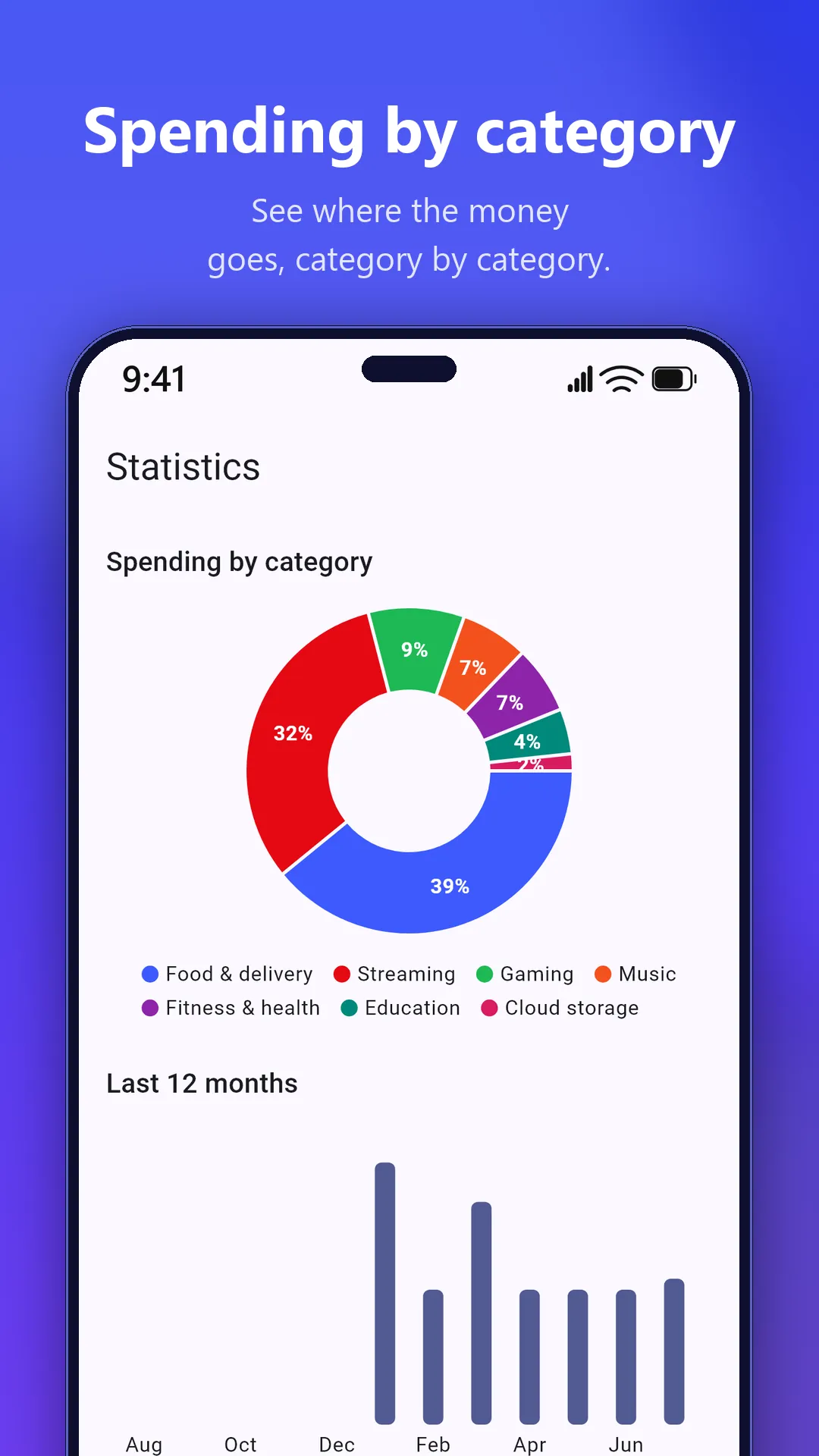
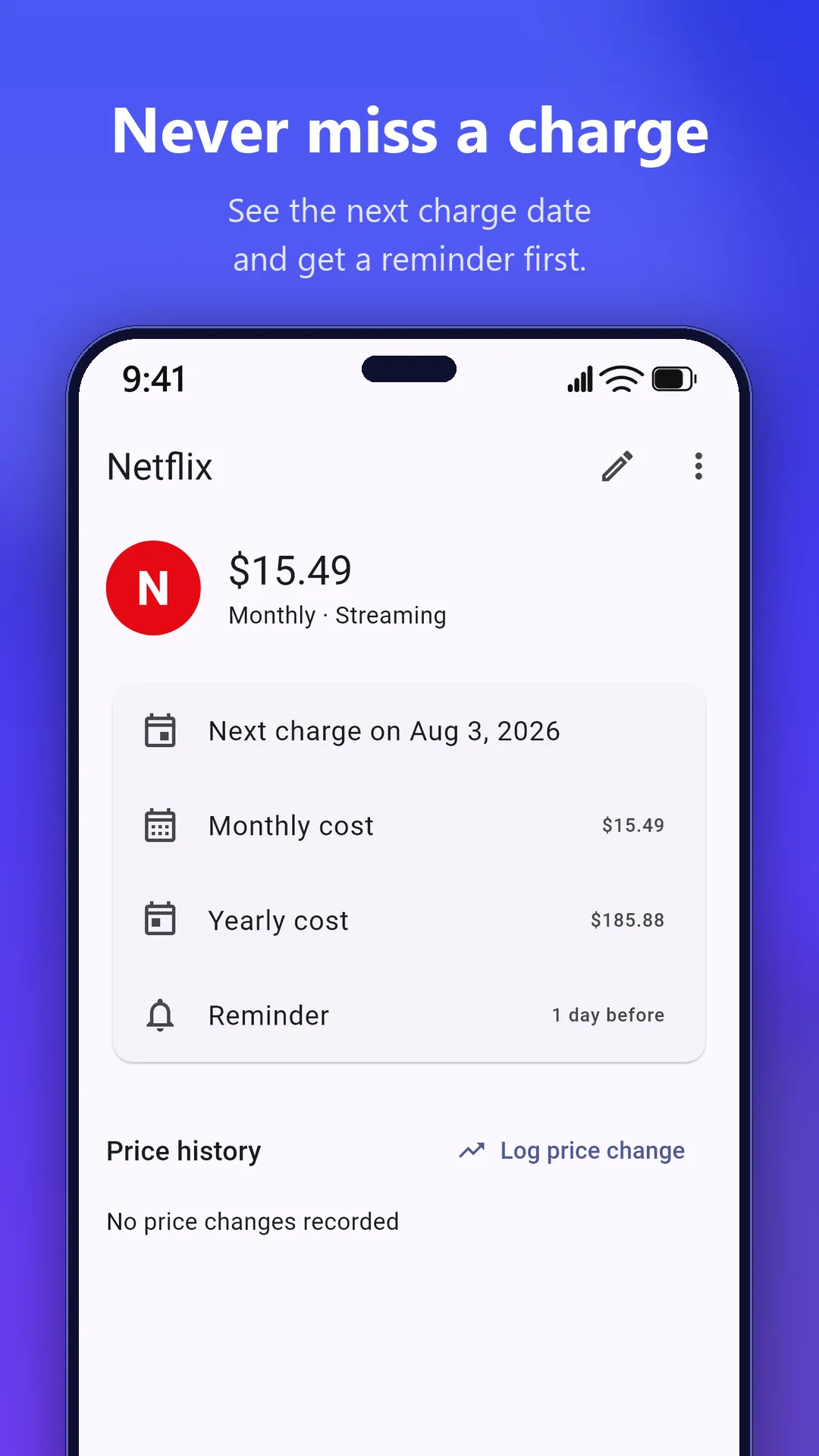
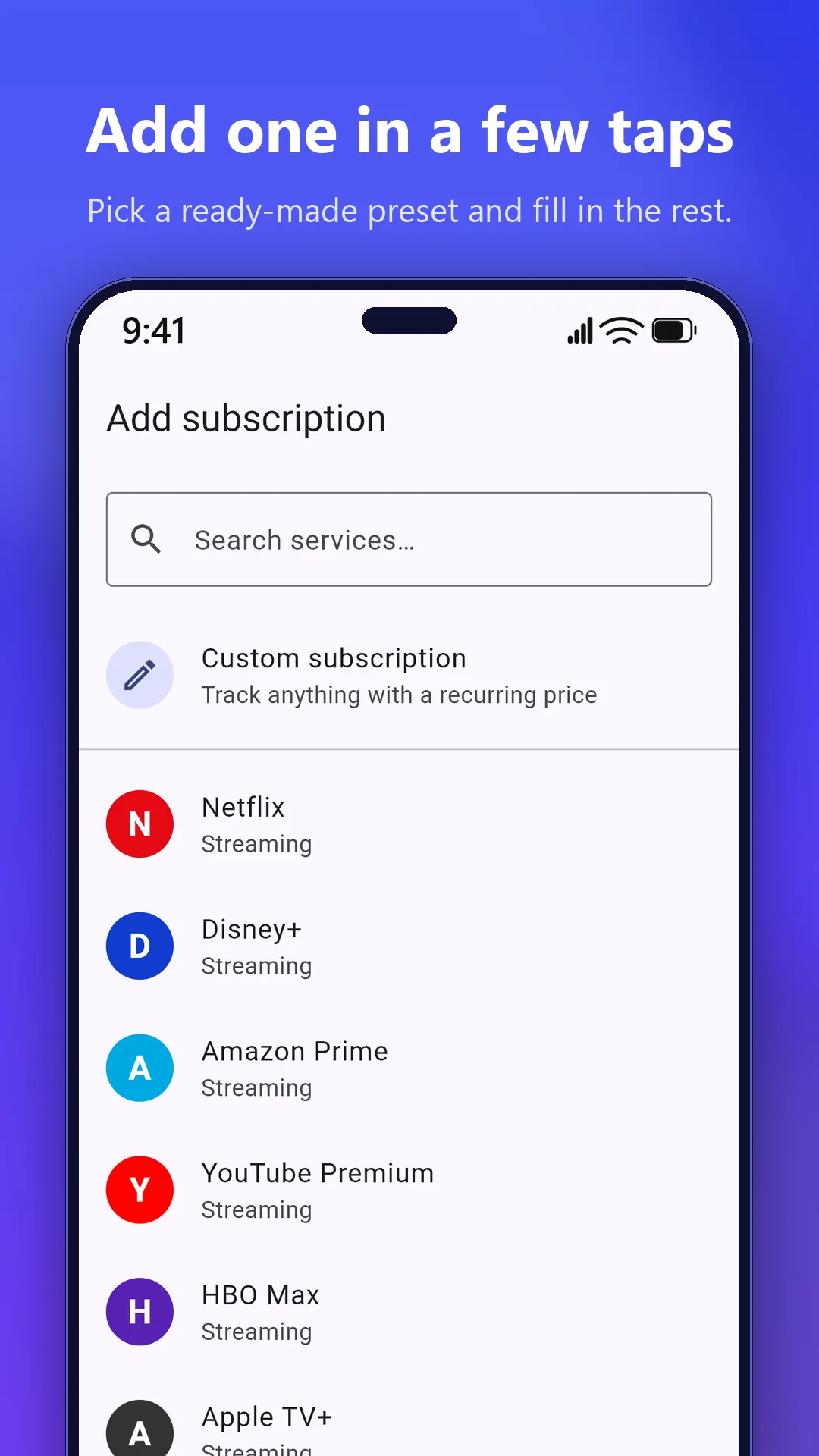
Pick common services from the built-in quick-add catalog or enter custom subscriptions in seconds. Configure weekly, monthly, quarterly, yearly, or custom renewal intervals to match any billing schedule.
Receive timely alerts ahead of every upcoming payment so you have time to cancel services you no longer use. Scheduled notifications persist even after your phone restarts.
See upcoming charges ordered by next billing date alongside accurate monthly and yearly totals. Explore category breakdowns, 12-month spending trends, and yearly projections to understand your commitments.
Combine subscriptions billed in different currencies using your own custom exchange rates. Track price-increase history for each service so gradual hikes never go unnoticed.
Protect your subscription list with encrypted backups whenever you want a safe copy. Export your records to CSV format to archive or analyze them in your own tools.
Use the entire app offline from the moment you open it, including in airplane mode. Personalize the interface with multiple themes, AMOLED black mode, and custom accent colors.
Choose familiar services from the quick-add catalog or create custom entries with their amount and billing cycle.
Set pre-charge reminders so you are notified before each renewal, and enter your own exchange rates if you pay in multiple currencies.
Follow your upcoming payment timeline, review category statistics and price changes, and cancel unneeded plans before the next bill hits.
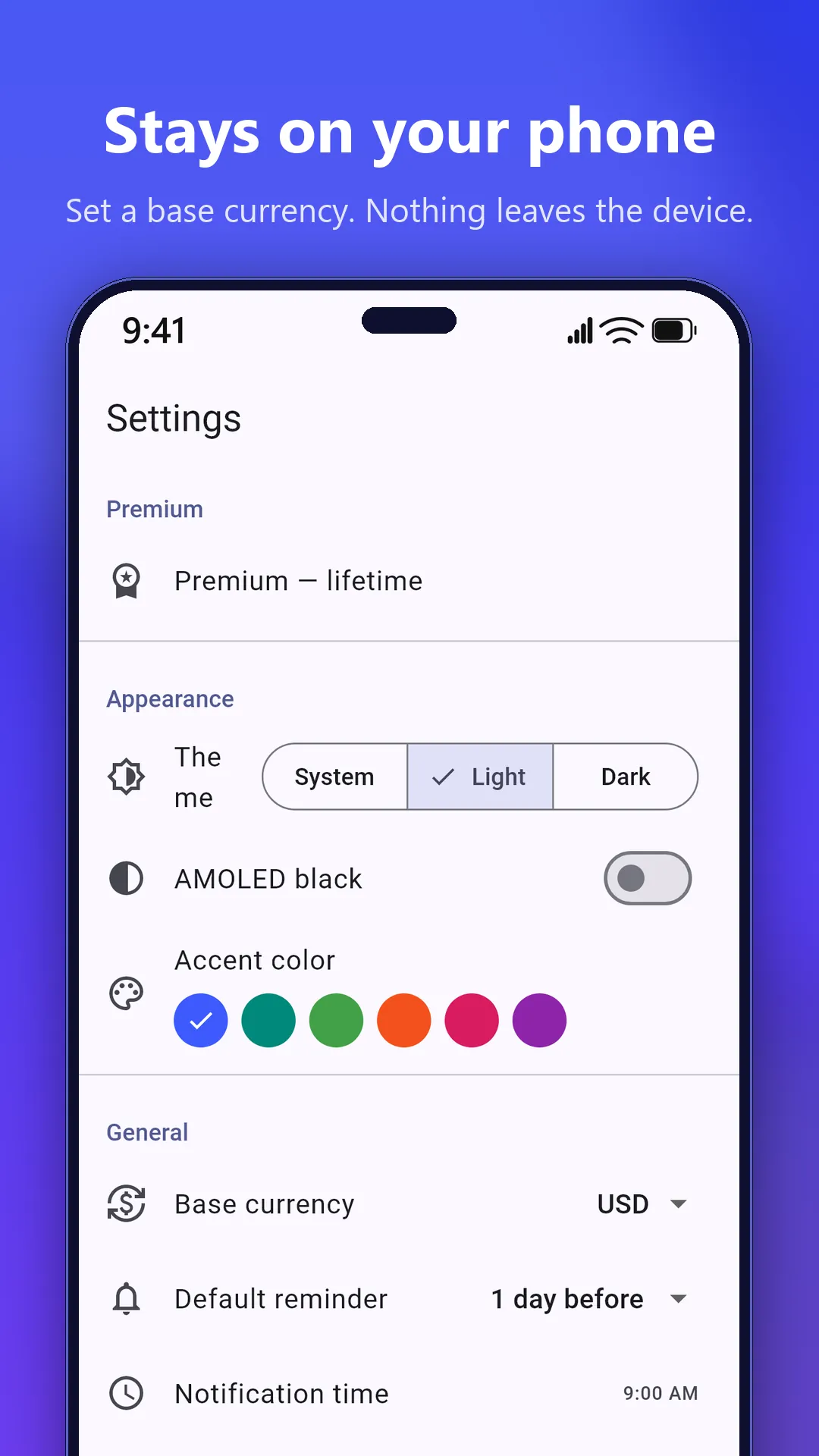
Subly operates without servers, user accounts, or cloud storage; the subscriptions, amounts, and notes you enter stay strictly on your device and are never visible to the developer. The app works completely offline from launch. Where ads are served on iOS through Google AdMob, your device's advertising ID may be used for ad selection, and declining the system tracking prompt limits display to non-personalized ads while your subscription entries remain entirely local.
Created for anyone juggling digital streaming, music, cloud storage, gym memberships, meal plans, or other recurring bills who wants to stop paying for forgotten renewals. It fits privacy-conscious users who prefer managing their recurring commitments locally without linking bank accounts or creating cloud profiles.
No. Subly has no servers and no account system, so every subscription, price, and note you record stays strictly on your phone.
Yes. Subly's pre-charge reminders are built to survive device restarts so you stay informed before each renewal date.
Yes. You can enter your own exchange rates to combine multi-currency subscriptions into unified monthly and yearly totals.
Subly lets you create encrypted backups of your data and export your subscription records as a CSV file.

Fabric shrinkage and yardage checker before cutting

Offline warranty and receipt tracker with expiry alerts

Credit card balance and due date tracker

Private offline expense tracker and personal ledger

On-device document scanner, photo and PDF compressor

Fast-paced one-tap gravity-flip neon arcade runner